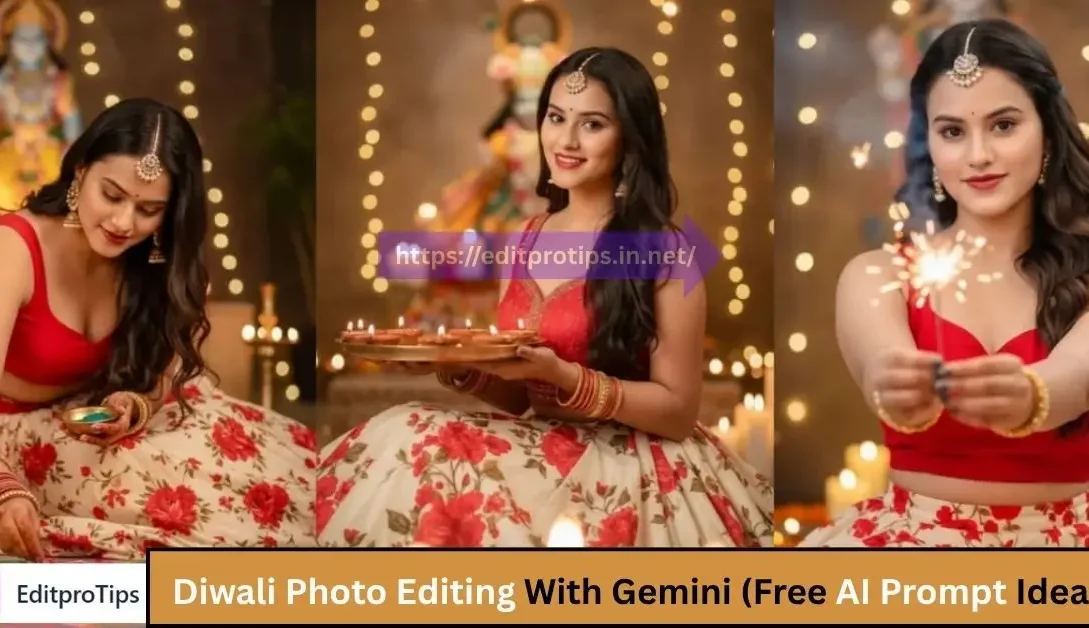
Diwali, the festival of lights, is one of the most vibrant and photogenic celebrations in the world. It’s a time when families come together, homes are decorated with lamps (diyas), and fireworks light up the sky. Naturally, it’s also a time when people want to capture beautiful photos to share on social media or preserve as memories.
This year, a new trend is catching on: Gemini Diwali Photo Editing — a modern, AI-powered way to enhance your festive pictures with ease, style, and creativity.
Table of Contents
What is Diwali Photo Editing Gemini?
“Gemini” refers to Google’s AI-powered model, recently integrated into various Google tools and apps, including photo editing features on Google Photos. With the help of Gemini, editing photos is no longer limited to professionals. Anyone can now apply intelligent enhancements to their pictures, remove unwanted objects, improve lighting, and even apply artistic effects — all with a few taps.
During Diwali, this becomes especially useful, since:
- Lighting conditions can vary (night shots, candlelight, fireworks)
- Crowded backgrounds can distract from the main subject
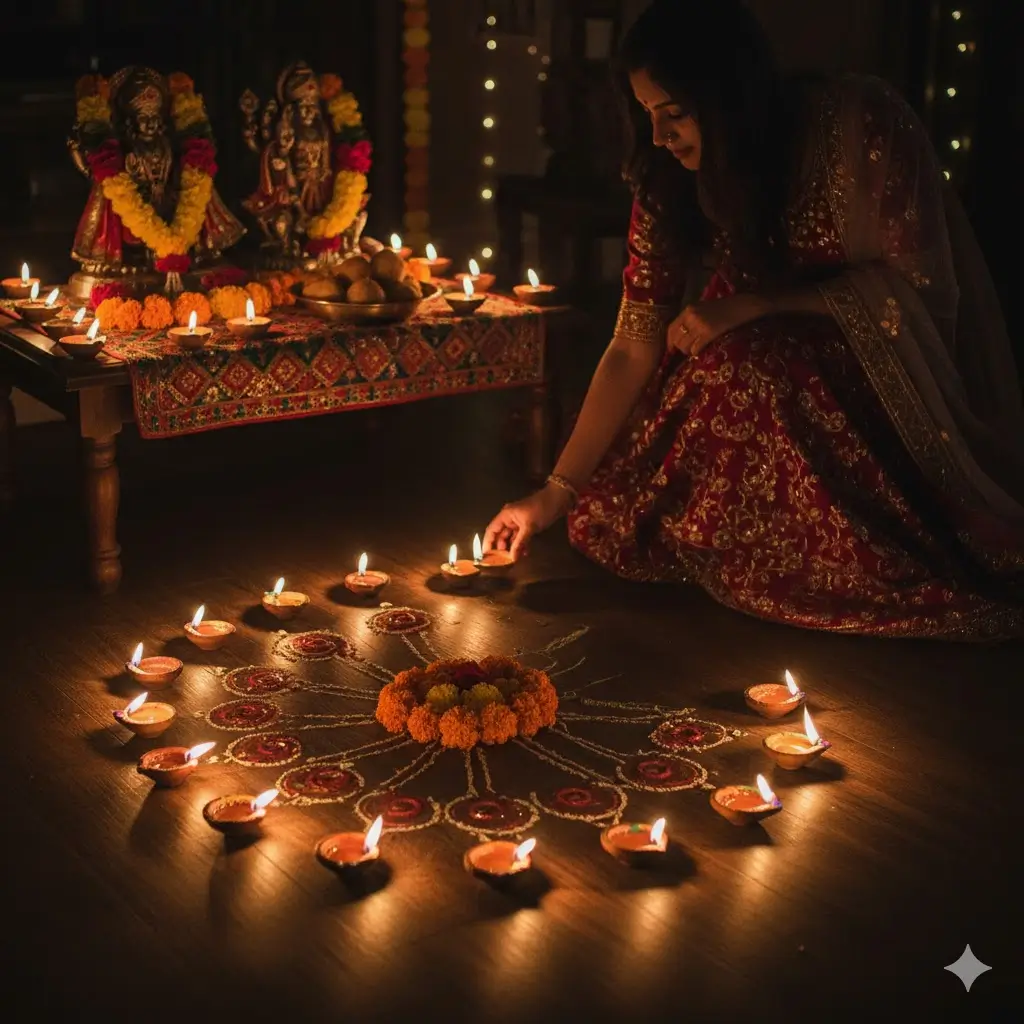
- Festive elements like rangoli, diyas, and outfits deserve to pop
Best ChatGPT Prompts for Photo Editing (Free Copy-Paste)
How to Use Gemini AI for Diwali Photo Editing
If you’re using a Pixel phone or have access to Google Photos with AI editing features, here’s how you can enhance your Diwali photos:
1. Enhance Lighting Automatically
Diwali photos often suffer from low light or harsh shadows due to diyas or indoor lighting. Gemini-powered photo editing can adjust brightness, contrast, and shadows automatically — giving your photos a natural glow.
2. Magic Eraser: Clean Up Backgrounds
Whether it’s a random person walking by or clutter in the background, the Magic Eraser tool (powered by AI) lets you remove unwanted elements quickly, making your photos look more professional.
3. Add Diwali-Themed Filters
While Gemini doesn’t add filters like Instagram, it enhances details and colors intelligently. However, you can combine it with Diwali-themed overlays (like light bokeh, firework sparkle, or warm festive tones) from third-party apps for that perfect festive touch.
4. Portrait Light and Blur Effects
Make your portraits stand out by adjusting the focus and background blur. Gemini can create DSLR-like effects using AI, even if your original photo wasn’t taken in portrait mode.
Google Gemini Top 50 Viral DP Backgrounds Prompts Download (Full HD)
5. Before/After Comparison
One of the coolest features is the ability to see how far your photo has come. Gemini editing tools allow you to toggle between the original and edited versions, helping you decide what looks best.
Why Gemini Photo Editing is Perfect for Diwali
- Fast & Easy: You don’t need to be a Photoshop expert.
- Smart Enhancements: The AI knows how to improve photos without over-editing.
- Time-Saving: Edit your whole Diwali album in minutes.
- Ideal for Social Sharing: Your photos will look festive and high-quality, ready to post on Instagram, WhatsApp, or Facebook.
Google Gemini Glowing Butterflies Ai photo Editing Prompts
Pro Tips for Better Diwali Photos
Even before editing, you can take a few steps to improve your photos:
- Use portrait mode for individual shots
- Take pictures during “blue hour” (just after sunset) for a magical look
- Use fairy lights as a background for soft bokeh effects
- Capture candid moments — they often tell the best stories
Conclusion
With Gemini AI photo editing, your Diwali photos can go from ordinary to extraordinary in just a few taps. Whether you’re lighting sparklers with your family, posing in traditional attire, or capturing the rangoli you made with love — let AI help you highlight the beauty of every moment.
Frequently Asked Questions
What is a catchy phrase for Diwali?
A few catchy phrases for Diwali are:
“Light up your life with love and laughter this Diwali.”
“Sparkle brighter than the diyas this festive season.”
“Let your dreams shine like Diwali lights.
How do I click aesthetic photos on Diwali?
To take aesthetic Diwali photos, use warm golden lighting, include diyas or candles, and shoot during evening hours. Try using a low aperture (f/2.8–f/4) for background blur and adjust exposure for a glowing effect.
How to wish Diwali in an aesthetic way?
You can wish in an aesthetic way by saying:
“May your Diwali be full of lights, love, and laughter.”
“Wishing you a Diwali as bright as your smile.”
“Glow with happiness this Diwali season.”
What settings should I use for Diwali crackers photography?
Use these camera settings for fireworks:
ISO: 100–200
Aperture: f/8 to f/11
Shutter Speed: 2–5 seconds (tripod recommended)
Focus: Manual focus at infinity
White Balance: Daylight
What is Diwali about in 3 lines?
Diwali is the Festival of Lights, symbolizing the victory of good over evil and light over darkness.
It celebrates Lord Rama’s return to Ayodhya after defeating Ravana.
Homes glow with diyas, lights, sweets, and celebrations with loved ones.
What are 10 Diwali-related words?
Diyas, Lights, Firecrackers, Rangoli, Sweets, Celebration, Prosperity, Family, Lakshmi, Happiness.
Tags/Keywords:
Diwali photo editing, Gemini AI photo prompt, Diwali AI editing ideas, ChatGPT photo prompt, Diwali lighting effect, festive photo editing, AI photo edit free