Learn how to use CapCut in 2026 with this complete tutorial. Discover templates, tips, transitions, and tricks to make viral Instagram Reels and YouTube Shorts
Complete CapCut 2026 Guide
CapCut has become one of the most popular video editing apps in 2026, allowing creators to make professional-looking videos for Instagram, TikTok, and YouTube Shorts. Whether you are a beginner or a pro, this guide will help you master CapCut with easy steps, templates, and viral video tricks.
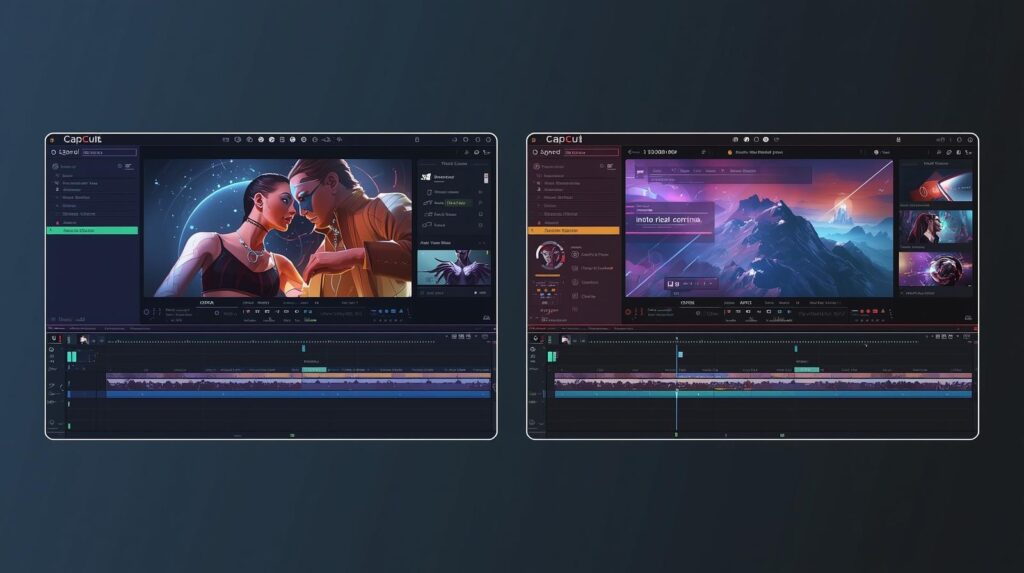
What is CapCut?
CapCut is a free video editing application developed by Bytedance, the makers of TikTok. It provides users with templates, effects, filters, transitions, and audio tools to create stunning videos without professional software.
- Free and easy to use
- Professional video effects
- Templates for social media
- Export videos in high resolution
- Add text, stickers, and animations
How to Download and Install CapCut
- Go to App Store (iOS) or Google Play Store (Android).
- Search for “CapCut”.
- Click Install / Get.
- Open the app and sign in using Google, Apple, or TikTok account.
💡 Tip: Always update CapCut to access latest templates and effects in 2026.
Best CapCut Templates in 2026
Here are some trending templates that creators are using:
- Sanu Pasand Sada – Perfect for Punjabi music Reels
- Top 10 Viral Templates 2026 – Shortcuts for Instagram & TikTok videos
- CapCut Transition Templates – Smooth transitions for dynamic videos
- Effect Pack Templates – Add visual effects without manual editing
Step-by-Step Video Editing Tutorial
Adding Effects and Transitions
- Open CapCut and select New Project.
- Choose your video clips from gallery.
- Tap Effects → Trending and select the desired effect.
- Use Transitions between clips for smooth flow.
Adding Music & Text
- Tap Audio → Sounds → Trending to add music.
- Use Text → Style → Animation to highlight key points.
Exporting and Sharing
- Tap Export → Select Resolution (1080p recommended).
- Share directly to TikTok, Instagram Reels, or YouTube Shorts.
Tips to Make Viral Videos on CapCut
- Use trending templates regularly.
- Keep videos under 30 seconds for Instagram Reels and TikTok.
- Add captivating text and stickers to increase engagement.
- Use popular songs from CapCut library.
- Experiment with transitions and effects to stand out.
Frequently Asked Questions (FAQ)
Q1: Is CapCut free in 2026?
Yes, CapCut is completely free, with optional in-app purchases for premium effects.
Q2: Can I use CapCut on PC?
Yes, download the CapCut desktop app or use Android emulators.
Q3: Do I need technical skills to use CapCut?
No, CapCut is beginner-friendly with pre-made templates and tutorials.