Discover 10 trending Gemini AI retro and vintage photo editing prompts, plus step-by-step instructions to create timeless, cinematic portraits. Instantly elevate your images with era-specific details and classic style using Gemini AI.
Gemini AI Photo Editing Prompts to Transform Your Photos into Stunning Retro & Vintage Style
Vintage and retro photo edits are leading the creative wave in 2025, blending nostalgia, emotion, and timeless style for Instagram, reels, and art portfolios. Gemini AI opens this world to everyone, letting users reinvent their selfies and couple photos with dreamy Polaroid filters, sepia tones, dramatic 70s vibes, and classic Bollywood glamour no manual editing needed.
By copy-pasting the right AI prompt, your photos become cinematic masterpieces packed with story and character, ready to catch viral attention or simply preserve cherished memories
Retro and vintage photo edits aren’t just about old looks—they evoke nostalgia, rich emotions, and classic storytelling that instantly stand out on social media. In 2025, Gemini AI has turned this creative movement into an accessible trend, powering everything from moody Polaroid edits to glamorous Hollywood-inspired style shots.
With just a well-crafted prompt, anyone can channel the charm of sepia tones, grainy textures, and decade-defining fashion—no complex editing skills required. Whether aiming for the aesthetic warmth of Kodachrome, the playful boldness of 80s neon, or timeless Bollywood glam, Gemini’s AI is your portal to the past.
Template by Editprotips
Table of Contents
How to Create Gemini AI Retro & Vintage Edits
- Log In & Upload: Visit Gemini AI online or on mobile, sign in, and upload a clear, well-lit portrait. Simpler backgrounds work best for authentic edits.
- Copy-Paste Prompts: Select or customize your favorite prompt from the list below, describing the decade, style, mood, clothing, lighting, and textures that define your vision.
- Generate & Refine: Submit the prompt and review the result. Gemini’s conversational AI lets you tweak colors, clothing, lighting, or backgrounds until the effect matches your idea.
- Save & Share: Download your finished image for instant sharing on social media or personal use.
Gemini AI’s retro and vintage prompts make professional-looking edits accessible to everyone, letting creators revive classic eras or invent new nostalgia through the power of descriptive AI commands. Just follow the steps, choose a favorite prompt, and enjoy timeless, viral-ready art—perfect for content creators, influencers, couples, or anyone longing for cinematic throwback vibes.Here are 10 trending Gemini AI prompts to transform your photos into stunning retro and vintage styles, along with an SEO meta description, detailed introduction, and simple how-to steps for Gemini AI photo editing.
Google Gemini Top 50 Viral DP Backgrounds Prompts Download (Full HD)

Tips for Gemini AI Portraits
- Use Natural Light: Start with selfies taken in bright, diffused daylight. It highlights skin tones and reduces harsh shadows for lifelike results.
- Camera Position: Hold the camera slightly above eye level for flattering angles and avoid strong backlighting or cluttered backgrounds.
- Clarity in Prompts: Write direct, vivid prompts describing not just the subject, but also lighting, era, mood, and technical details (e.g., “golden hour light,” “DSLR, 85mm lens,” “soft focus,” “blurred city lights”).
- Reference Style and Mood: Invoke artistic styles or moods like “cinematic,” “vintage,” “dramatic shadows,” or “Steve McCurry-inspired” for unique effects.
- Iterate and Refine: Generate 3–4 variations, review them, and adjust the prompt to fine-tune skin, expression, and atmosphere.
- Use Negative Prompts: To avoid issues like “blurry skin” or “harsh shadows,” include negative cues in your prompt for clean, photorealistic results.
- Choose High Resolution: Specify 4K or 8K UHD and aspect ratio for sharply detailed portraits suitable for social media or professional profiles.
- Tidy Backgrounds: Make sure your background is clean and simple before taking the original photo to help Gemini AI maintain a crisp focus on the subject.
- Experiment With Styles: Try retro, festival, corporate, or casual portrait prompts to find your ideal look; merging fashion, mood, and occasion for versatility.
10 Trending Gemini AI Photo Editing Prompts to Transform Your Photos into Stunning Retro & Vintage Style
Prompt 1:
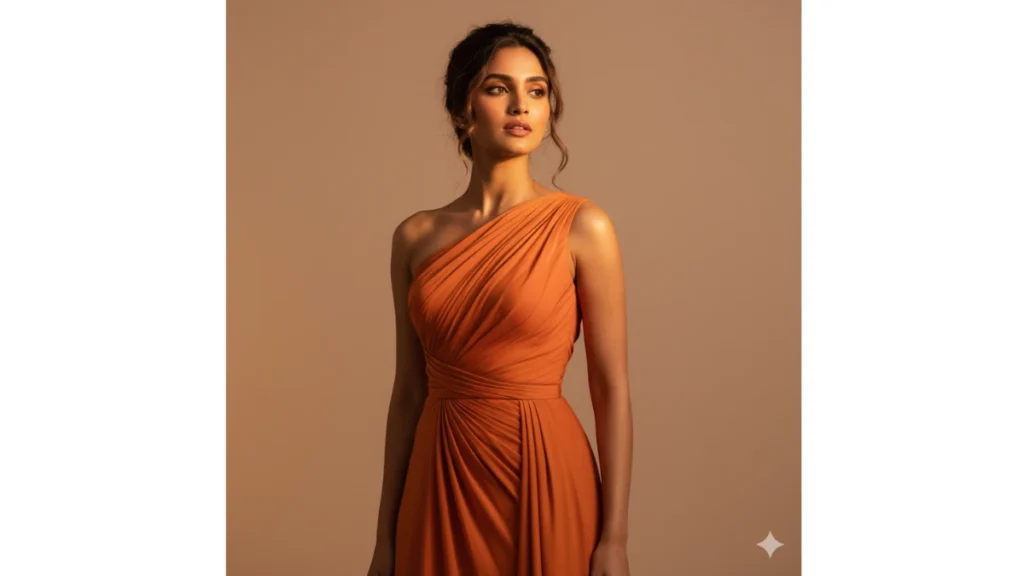
Use This:
Prompt 2:
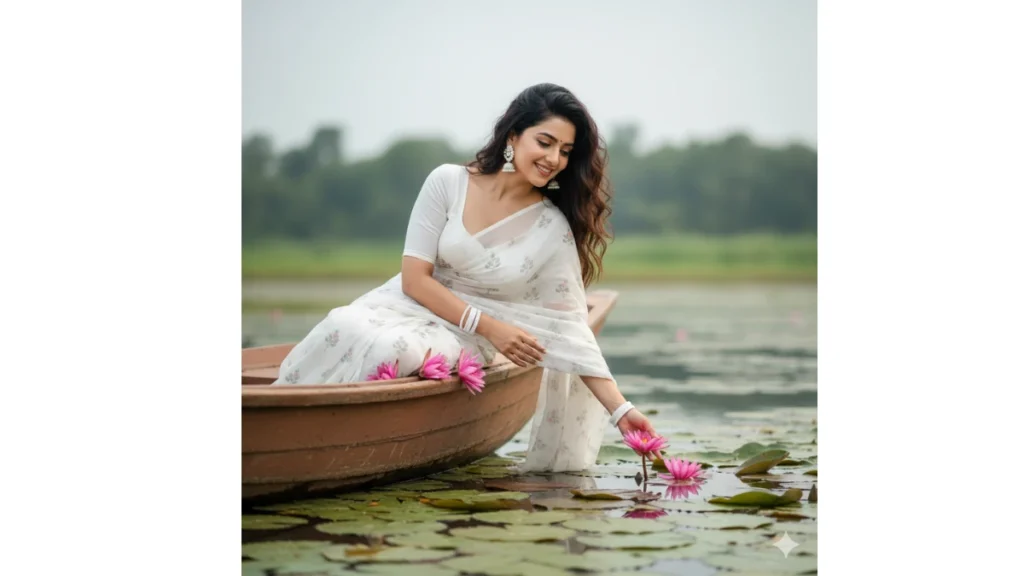
Use This:
Google Gemini Glowing Butterflies Ai photo Editing Prompts
Prompt 3:
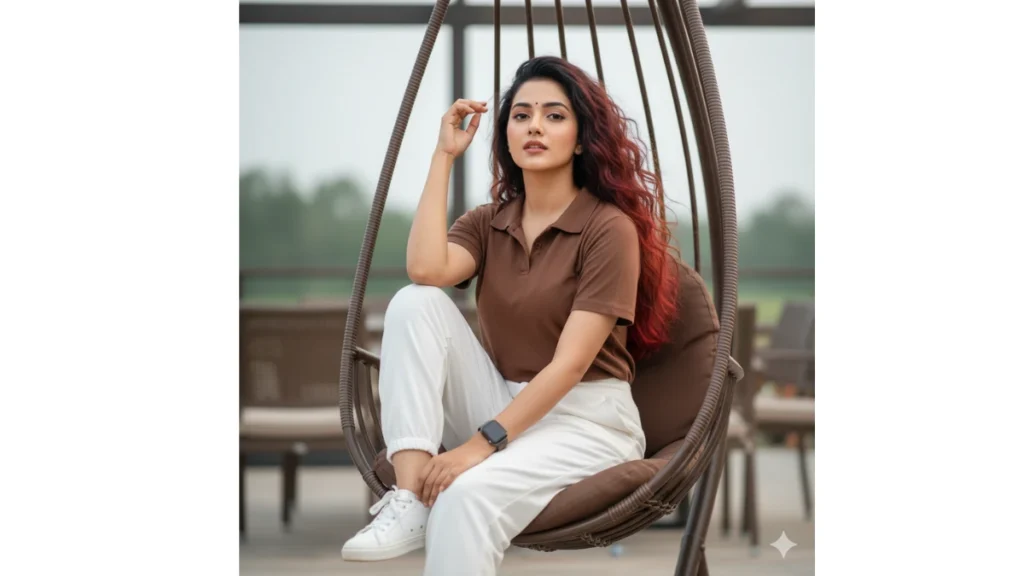
Use This:
Prompt 4:
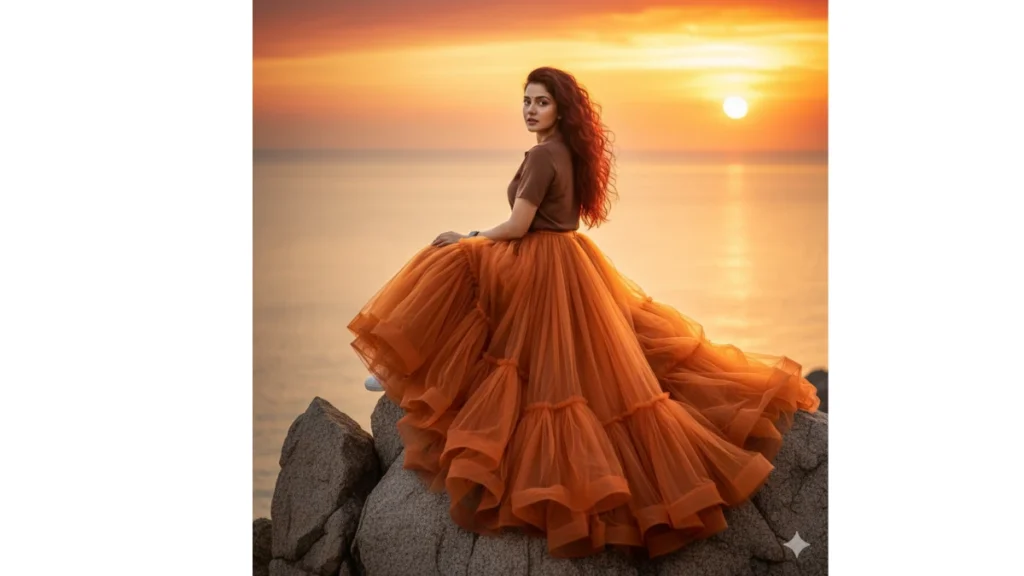
Use This:
Google Gemini Viral Girlfriend Ai Photo Editing Prompts
Prompt 5:
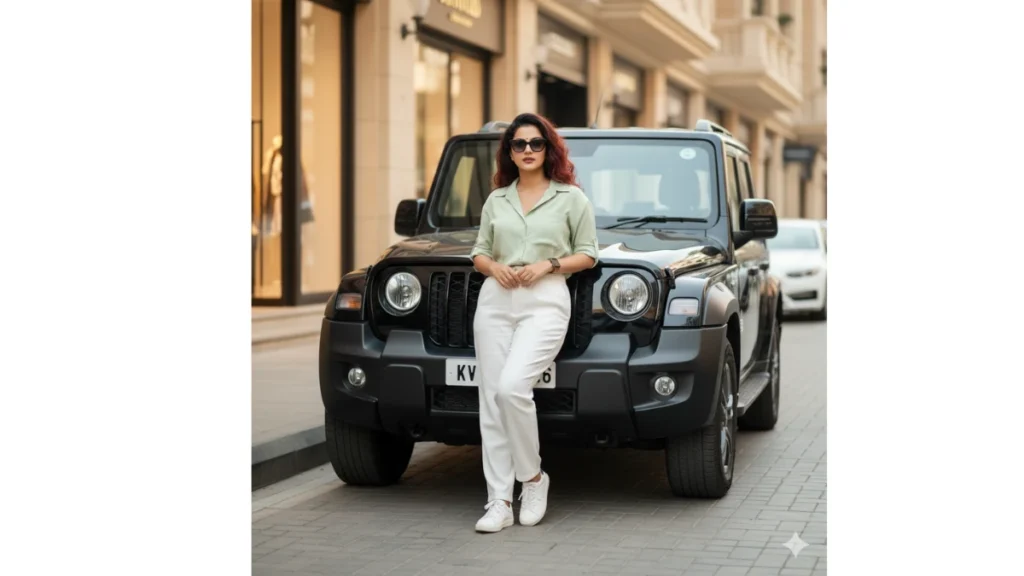
Use This:
Prompt 6:
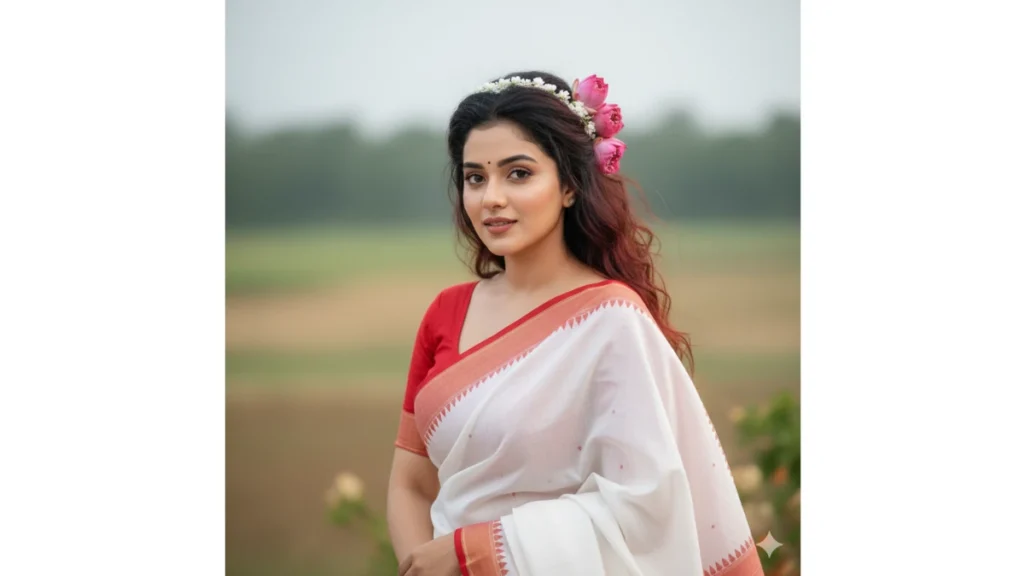
Use This:
Instagram Trending Aesthetic Boys Ai Photo Editing Prompts
Prompt 7:
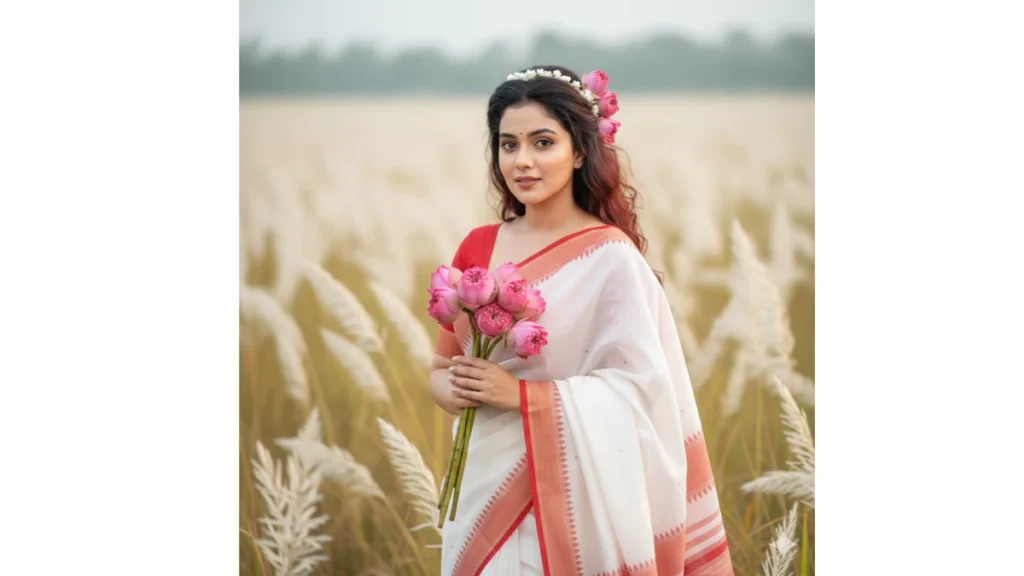
Use This:
Prompt 8:
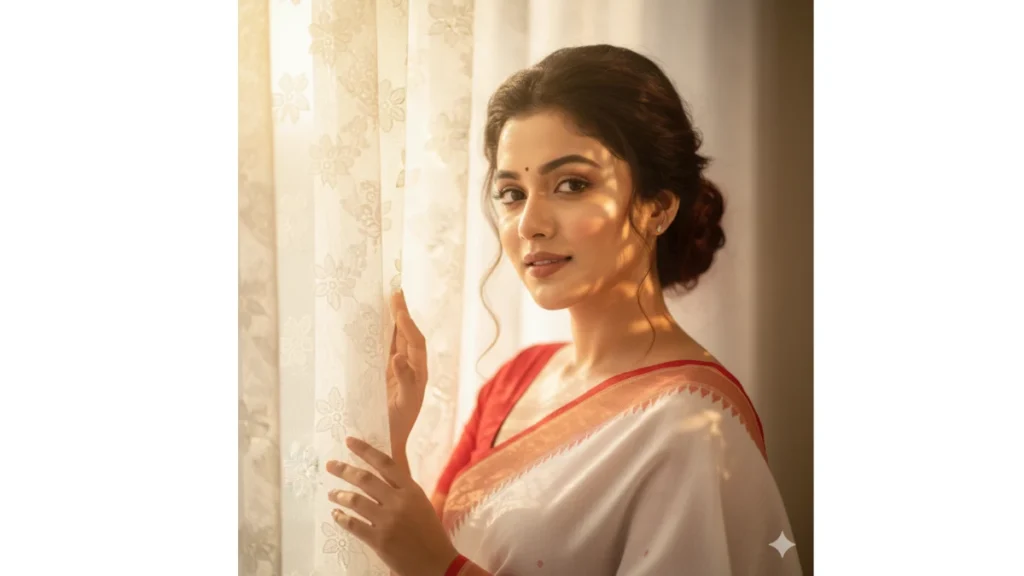
Use This:
Prompt 9:
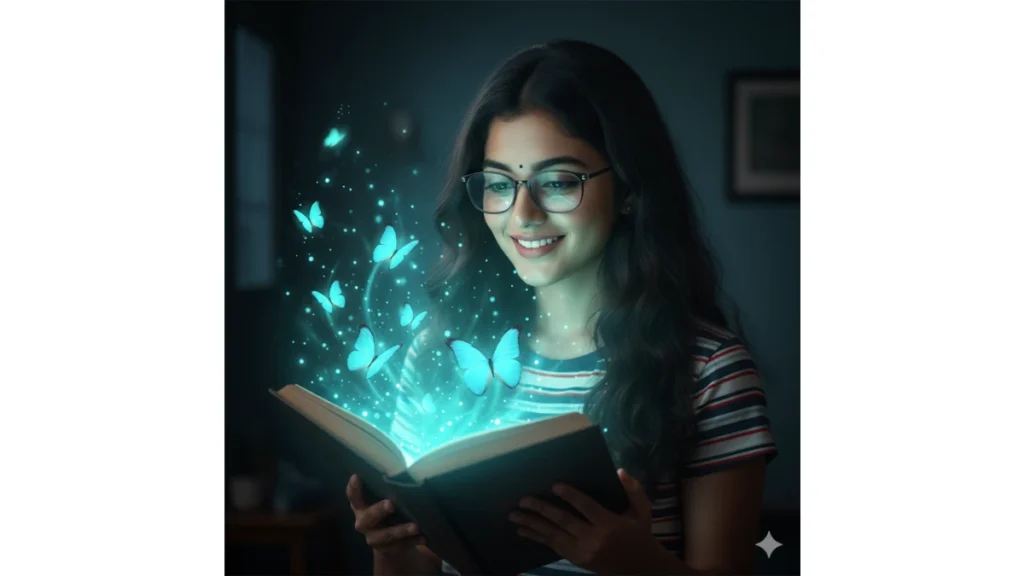
Use This:
Top 50 Viral Dp Backgrounds Download (Full HD)
Prompt 10:
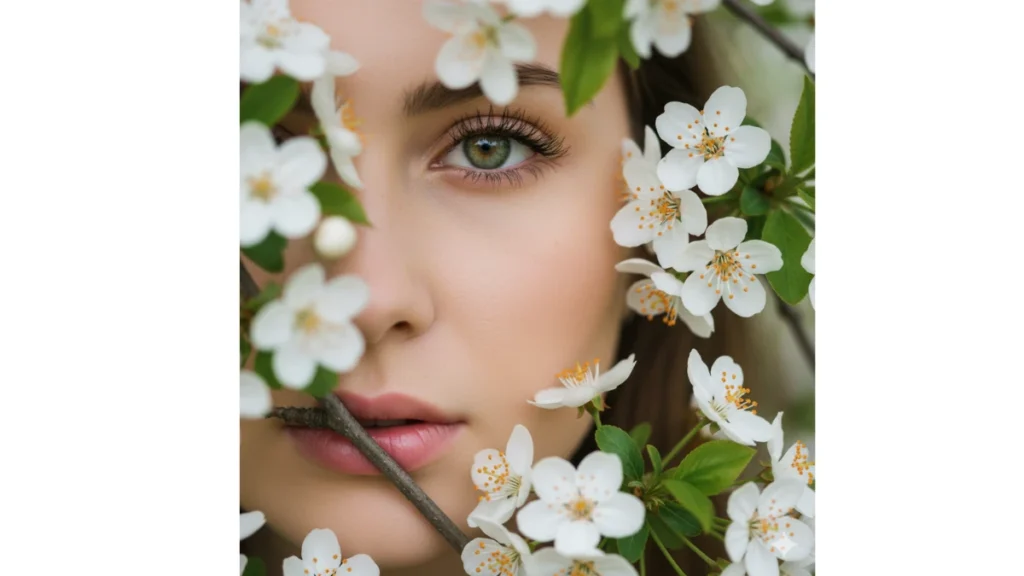
Use This:
Image Credit: Gemini AI
Tags: Gemini AI, retro photo editing, vintage photo effects, AI photo editing prompts, retro style photos, vintage photography, 80s retro editing, 90s photo effect, old school photo filter, vintage film effect, retro photo transformation, AI photo transformation, nostalgic photo editing, Polaroid photo effect, grainy vintage filter, sepia photo effect, 70s photo style, black and white retro photos, analog photo editing, retro neon lights, vintage TV photo effect
Frequently Asked Questions
How do I ask Gemini to make a couple photo?
You can ask Gemini AI by typing a prompt like:
“Create a romantic couple photo in aesthetic lighting, vintage background, smiling faces.”
Make sure to mention details like outfit style, background, pose, or vibe for best results.
How to create a Gemini retro couple image?
Use this type of prompt:
“Retro-style couple portrait, 90s aesthetic, film grain effect, warm tones, vintage outfit.”
Gemini will automatically apply a nostalgic color tone to give a classic retro look.
What is the prompt for Gemini AI retro style?
Example prompt:
“Retro portrait, 1980s film photography look, vintage background, soft lighting, grain texture.”
You can also add “couple,” “solo,” or “outdoor” to personalize it.
How to make a retro style photo in Google Gemini?
Go to Gemini AI image generation → enter a detailed prompt like:
“Old-school retro look, 70s couple standing near a car, faded film colors.”
Then adjust lighting or background tone if needed.
Prompt for Gemini AI girl
“Beautiful girl portrait, trending Instagram style, soft lighting, cinematic tone, detailed skin texture.”
Gemini AI photo prompt couple
“Aesthetic couple photo, dreamy background, romantic pose, soft light, trending Instagram color style.”
Gemini AI photo prompt Copy Paste trending boy
“Handsome boy portrait, aesthetic lighting, street style outfit, cinematic background, sharp focus.”
Prompt for Gemini AI boy
“Stylish boy photo, golden hour background, moody tones, aesthetic depth of field, detailed eyes.”
Gemini AI photo prompt Copy Paste trending couple
“Trending couple photo, cozy vibe, romantic background, aesthetic filter, cinematic tone.”
Gemini AI photo prompt copy paste trending girl
“Trending girl photo, dreamy look, soft pink aesthetic, glowing skin, vintage background.”