


In today’s world of Instagram trends, standing out with stunning visuals is a must — and that’s where the Gemini Photo Editing Prompt comes in. Gone are the days of boring filters and basic edits. With Google Gemini AI, you can now create realistic, cinematic, and viral-ready photos in just seconds.
This next-gen AI editing tool transforms your ordinary images into aesthetic 4K masterpieces with just a single prompt. In this post, we’ll share the Top Gemini Photo Editing Prompts you can use to boost your creativity, go viral, and make your Instagram profile look effortlessly professional in 2025.
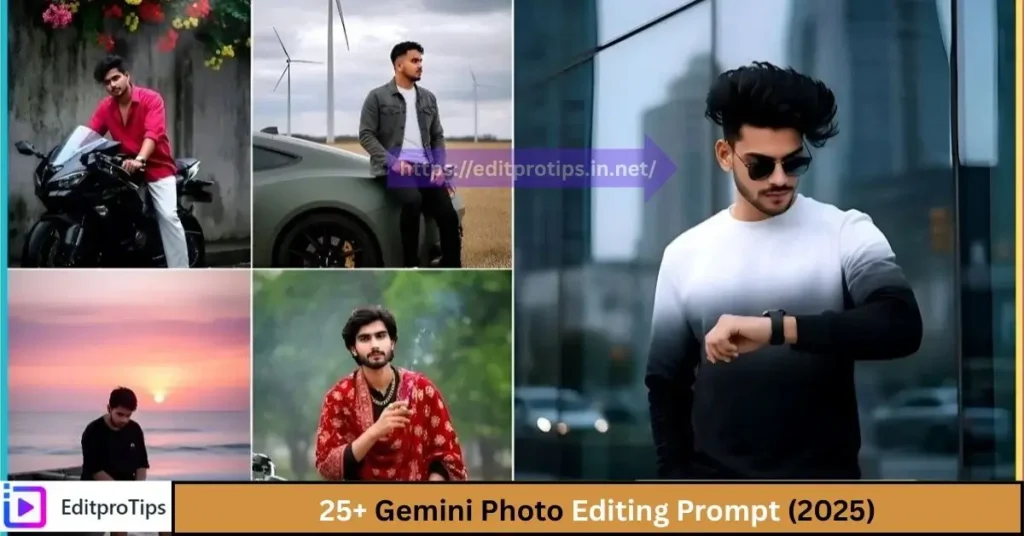
Table of Contents
Why Gemini Photo Editing Prompt is the Future of Instagram Editing
Gemini AI isn’t just for tech lovers, it’s now a part of every Instagram creator’s toolkit.
By typing simple text prompts, you can give your photos the depth of professional cinematographers.
Gemini AI’s editing features let you:
- Ultra-realistic 4K portraits
- Cinematic lighting और perfect shadow detailing
- HDR-quality clarity
- Emotional tone और background story effect
Meaning no more Lightroom or Photoshop – just enter a prompt and get a viral Instagram edit in seconds.
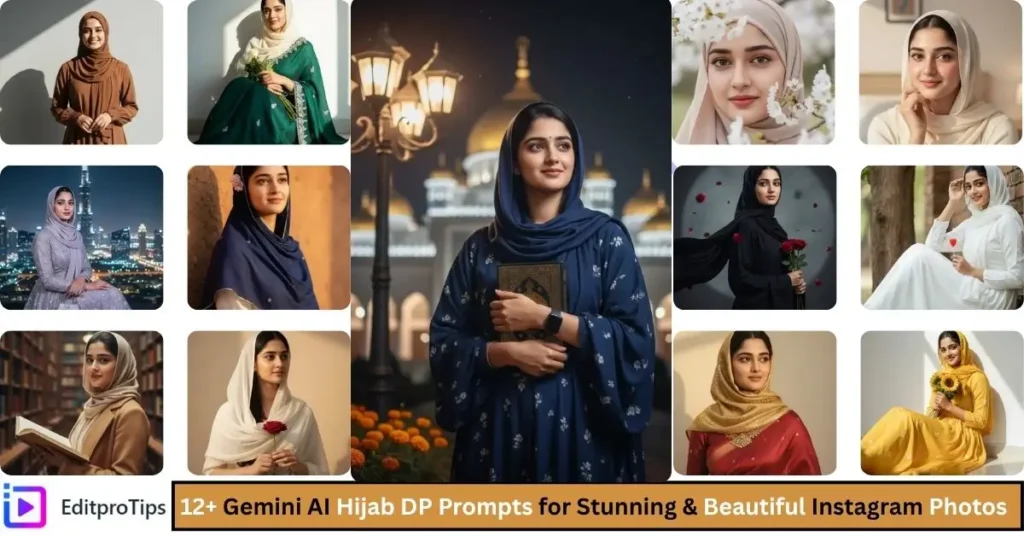
Top 30 Gemini Photo Editing Prompts for Cinematic & Stylish Instagram Looks
The 30 prompts below are specially designed for Instagram creators, photographers, and influencers.
Each prompt is optimized for cinematic tone, realistic lighting, and viral-ready composition.
1. Neon Street Cinematic Portrait
“Portrait of Indian boy under blue-orange neon lights, cinematic low-light HDR tone, ultra-realistic 4K portrait.”
2. Golden Hour Glow
“Sunset portrait with golden light reflection, warm cinematic tone, realistic skin texture, 4K clarity.”
3. Double Exposure City Blend
“Boy portrait blended with urban skyline, cinematic blue tone, double exposure, ultra-HD portrait.”
4. Rainy Night Cinematic Mood
“Indian boy walking on wet street under neon reflections, cinematic HDR lighting, moody 4K look.”
5. Festival Glow Portrait
“Boy in traditional attire surrounded by diyas, fireworks in background, cinematic golden HDR tone.”

6. Blue-Tone Studio Portrait
“Portrait in cool blue cinematic light, HDR soft shadows, realistic 4K studio setup.”
7. Ocean Calm Cinematic Look
“Boy near ocean waves, cinematic blue lighting, realistic 4K HDR photo.”
8. Urban College Street Look
“Group of college friends walking in sunlight, cinematic HDR tone, realistic background blur.”
9. Dreamy Festival Portrait
“Boy holding fairy lights, cinematic golden tone, realistic HDR bokeh background.”
10. Futuristic Neon Portrait
“Boy surrounded by neon light trails, blue-orange tone, cinematic HDR clarity.”
11. Low-Light Cinematic Close-Up
“Portrait in dim lighting with sharp HDR face detailing, cinematic tone, realistic 4K clarity.”

12. Abstract Double Layer Effect
“Boy portrait merged with abstract art layer, cinematic HDR, realistic 4K photo.”
13. Desert Glow Portrait
“Boy standing in desert sunlight, cinematic golden tone, HDR realistic detailing.”
14. Monsoon Reflection Look
“Boy walking on street during rain, neon reflections, cinematic blue tone, 4K HDR.”
15. Studio Soft Light Portrait
“Boy in studio setup, soft cinematic lighting, realistic HDR shadow detailing.”
16. Cultural Traditional Portrait
“Indian man wearing ethnic outfit, temple background, golden cinematic tone, ultra-HD clarity.”
17. Night Street Mood
“Boy under street lamps, cinematic blue-orange lighting, HDR clarity, 4K portrait.”
18. Bokeh Glow Portrait
“Boy surrounded by blurry lights, cinematic HDR bokeh tone, realistic clarity.”

19. Artistic Shadow Look
“Portrait with strong light-shadow contrast, cinematic HDR, 4K detailed shot.”
20. Ocean Sunset Portrait
“Boy near seashore, sunset reflection, cinematic golden-blue tone, realistic lighting.”
21. Festival Smoke Effect
“Boy surrounded by colorful smoke, cinematic HDR tone, 4K clarity.”
22. Temple Divine Portrait
“Boy with diya near temple, golden cinematic HDR lighting, realistic 4K portrait.”
23. Black & Blue Contrast Look
“Moody portrait in dark blue lighting, cinematic HDR shadow detail.”
24. Abstract Light Reflection
“Portrait with glass light reflection, cinematic HDR tones, artistic blue lighting.”
25. Retro Cinematic Portrait
“Vintage style boy portrait, cinematic soft tone, HDR film grain look.”

26. Street Artist Mood
“Boy painting graffiti wall, cinematic HDR lighting, realistic 4K clarity.”
27. Motion Blur Cinematic Look
“Boy walking through busy street, cinematic HDR motion blur, 4K clarity.”
28. Rain Umbrella Cinematic Portrait
“Boy holding umbrella under city lights, cinematic blue tone, realistic HDR photo.”
29. Candle Light Close-Up
“Boy face glowing in candle light, cinematic golden tone, ultra-realistic HDR clarity.”
30. Blue-Hour Cinematic Magic
“Boy standing under twilight sky, cinematic blue HDR tone, 4K ultra-realistic portrait.”
How to Use These Prompts
- Open Google Gemini AI Image Editor to access the compatible AI tool.
- Upload a high-quality portrait photo (clear face and lighting)।
- Copy-paste prompt, adjust tones if needed।
- Output resolution 4K या Instagram size (1200×675 or 1080×1350)।
- Download and share — your viral cinematic photo is ready!

Tips to Make Photos Go Viral on Instagram
- Always keep keywords like “cinematic lighting”, “HDR clarity”, “blue tone”, “4K” in the prompt.
- Use blue, orange, and golden tones — these are the most attention-grabbing on Instagram.
- Vertical framing (1080×1920) is best for reels or stories.
- High contrast and realistic depth can take your photo to the explore page.
- Use captions and hashtags like #GeminiAI #CinematicPortrait #InstagramEdits #4KPhotography .
Conclusion
In 2025, creativity rules Instagram — not just filters. With the help of Gemini Photo Editing Prompts, you can easily turn your everyday photos into cinematic, aesthetic, and scroll-stopping visuals.
These AI-powered prompts bring life, depth, and storytelling to your images, helping you stand out effortlessly on the Explore Page.
So, stop relying on generic filters and start using the Gemini Photo Editing Prompt collection to create viral, professional-quality edits — all with a single prompt.
Frequently Asked Questions
Q1. What is a Gemini Photo Editing Prompt?
A Gemini Photo Editing Prompt is a short text command used in Google Gemini AI to generate or enhance photos with realistic cinematic effects, colors, and styles.
Q2. How do I use Gemini Photo Editing Prompts?
Simply open Google Gemini AI, enter your chosen prompt (like “Cinematic portrait in golden hour lighting”), and let the AI create a stunning edit in seconds.
Q3. Are Gemini Photo Editing Prompts free to use?
Yes! Most prompts can be used for free within Google Gemini AI, though advanced features may require a premium plan.
Q4. Can Gemini Photo Editing Prompts make my photos go viral on Instagram?
Absolutely — using the right Gemini Photo Editing Prompt helps your photos achieve a stylish, cinematic, and professional look that attracts more engagement.
Q5. What kind of styles can I create with Gemini Photo Editing Prompts?
You can create a wide range of styles, including retro aesthetics, dreamy cinematic looks, moody portraits, 4K visuals, and more.
Category
| Home | Template by Editprotips |
| Ai Editing | ai editing editprotips |
| VN Template | VN Template |
| Capcut Template | Capcut Template by Editprotips |
| Editprotips App | Editprotips App |








